




The short version
Assistants talk to people. Agents do work in the background. Automations follow the same recipe every time. Most businesses end up using all three, and in Mayavi they share one knowledge base, one tool library and one credit balance, so you don't set anything up twice.
Assistants: the part your customers meet
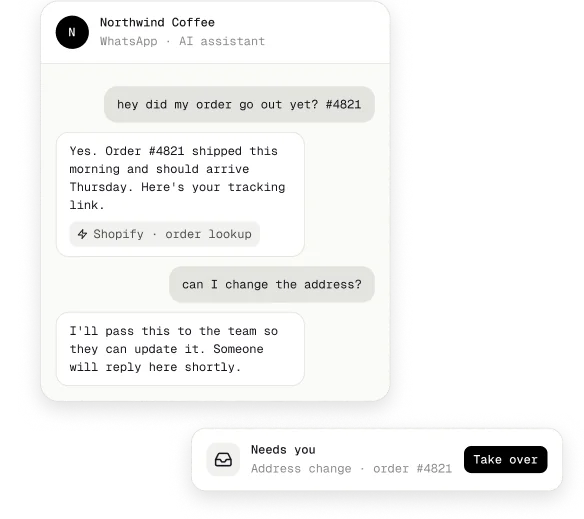
An assistant answers on your channels: website chat, your phone line, WhatsApp, email, Slack and Telegram. You write its instructions and attach knowledge once, and it gives the same answer wherever a customer asks.
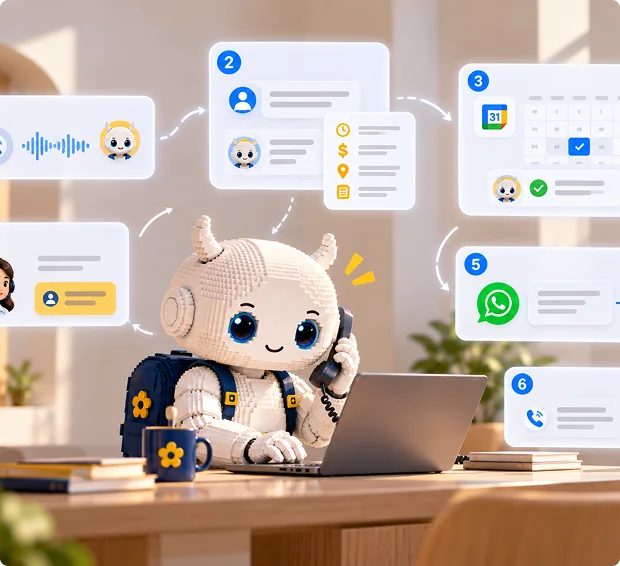
Use an assistant when a person is waiting on the other end. It's built for conversation: it can be interrupted on a call, it can look up an order mid-chat, and when it isn't sure, it hands the conversation to your team in the Inbox with a summary.
Agents: the workers behind the conversation
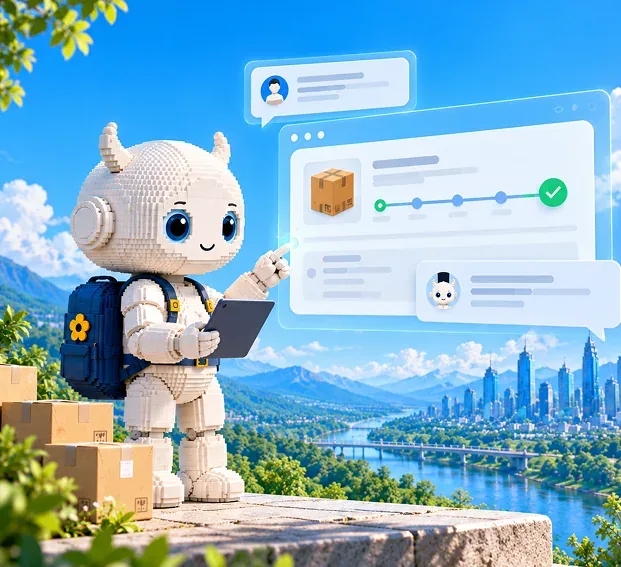
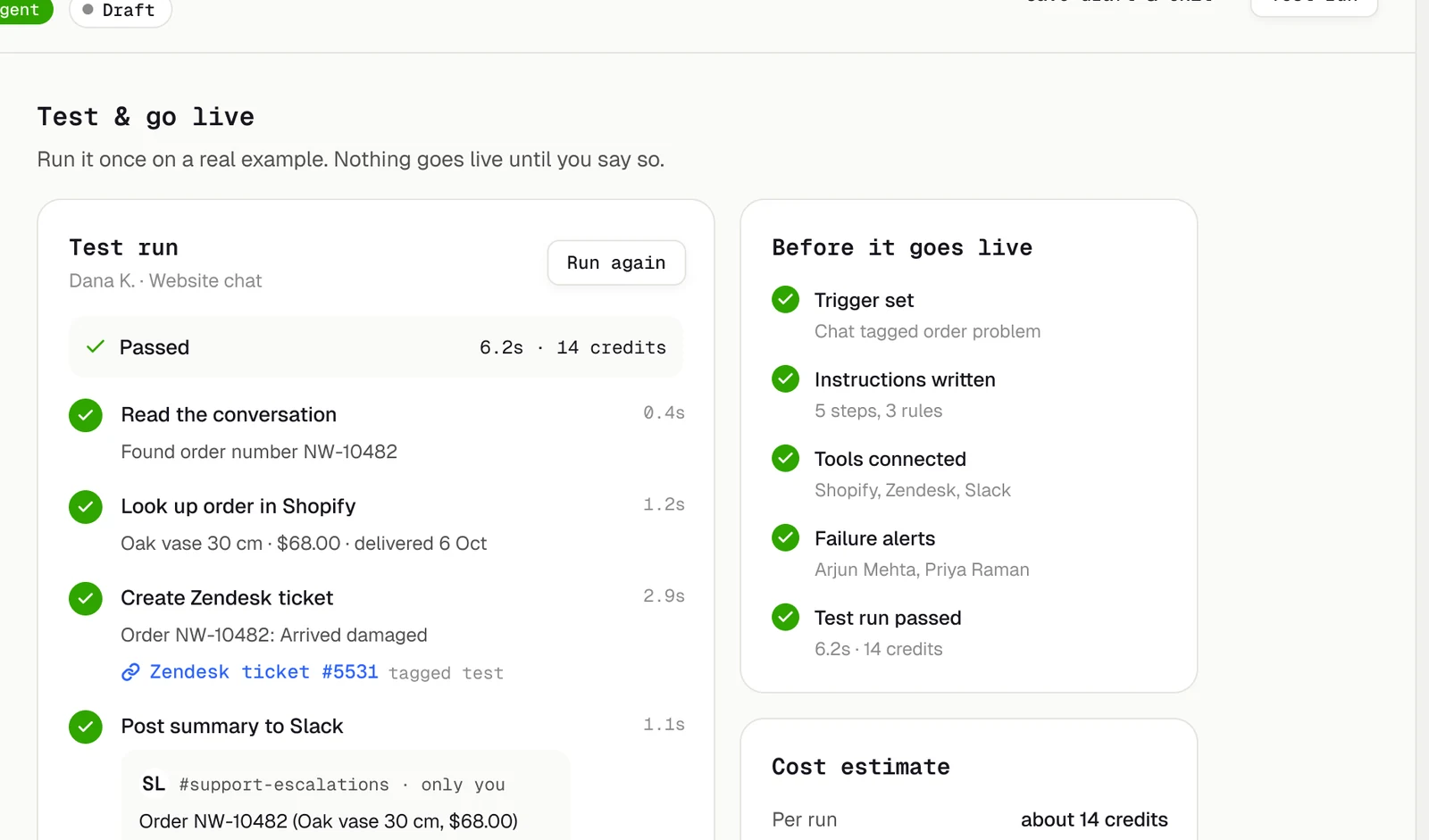
An agent has its own instructions, tools, memory and triggers. It starts on a schedule, a webhook or a new message, and runs multi-step work from start to finish. A typical example: every weekday at 9:00, pull yesterday's Shopify orders, write a five-line summary in Google Sheets and post it to Slack.
Use an agent when the steps depend on what it finds. It decides what to look up next, and every run is logged step by step, so you can see exactly what it did.
Automations: the recipe that never forgets
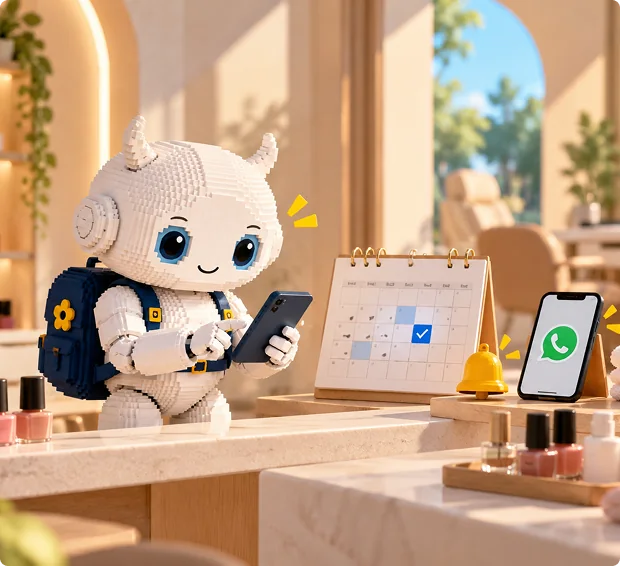
An automation runs fixed steps in a fixed order. When a call is missed, send a WhatsApp. When an order ships, tell the customer. When a refund is over $200, wait for a manager to approve it.
Use an automation when you already know the steps. It's the cheapest and most predictable of the three, and approval steps keep a person in charge of anything risky.
How they work together
The three are strongest together. A caller asks to reschedule. The assistant handles the call and books the new slot. An automation sends the reminder the day before. If the caller also asks for a refund, an agent checks the order and the refund waits for a person to approve it.
| Assistant | Agent | Automation | |
|---|---|---|---|
| Starts when | Someone messages or calls | A schedule, webhook or message | An event or a schedule |
| Decides its own steps | Within a conversation | Yes | No, fixed recipe |
| Best for | Answering people | Multi-step back-office work | Follow-ups and reminders |
Where to start
Most teams start with one assistant on the channel that's busiest, usually the phone or WhatsApp, then switch on the missed-call automation. Agents come next, once you see which back-office jobs keep repeating.