


The rule in plain words
When a customer messages your business on WhatsApp, you can reply freely for 24 hours after their last message. After that, you can only start a conversation with a template message that Meta has approved.
What that means for an AI agent
Inside the window, an AI agent can answer anything a person on your team could: order status, bookings, product questions. Every new message from the customer resets the clock, so a normal back-and-forth conversation stays open.
Outside the window, messages you start, like order updates or missed-call follow-ups, go out as approved templates. Mayavi handles the replies. Template approval happens in your own Meta account.
Who pays for what
Meta's message charges go on your own WhatsApp account. The AI replies are part of your Mayavi plan. If you use a number we provide, messaging is billed at cost plus 20%.
Setting it up
- Create a Meta WhatsApp Business account on the Cloud API.
- Paste its details into your assistant's Channels and save.
- Copy the webhook URL into Meta and subscribe to messages.
- Send a test message, then go live.
When the AI should step aside
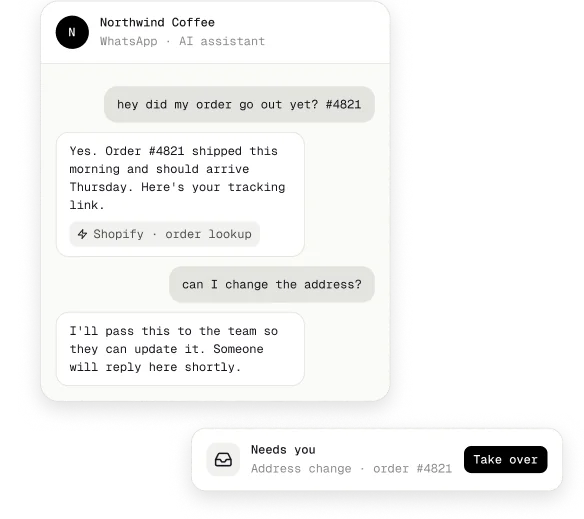
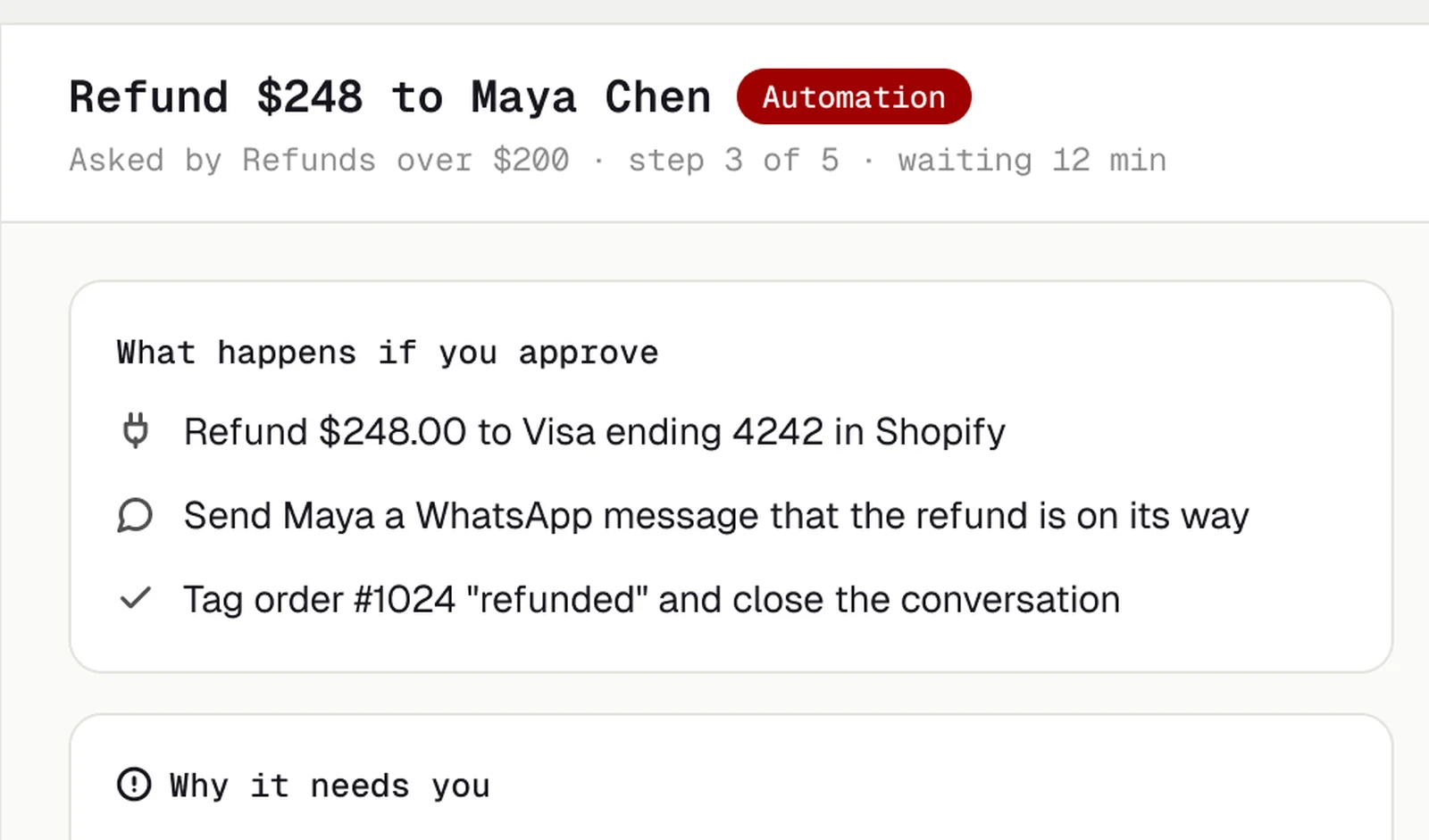
WhatsApp conversations often turn personal: a delivery gone wrong, a payment problem. When the assistant isn't sure, the chat moves to Needs you in the Inbox and a teammate replies in the same WhatsApp thread. The customer never has to switch channels.